Scalability

Synchronized Architectures for All Environments

Brainboard is the fastest way to maintain synchronized environments without copy-paste and manual work. One click - and the architecture is replicated everywhere. Changes are propagated in real time, and releases become safer. Start for free.
a screenshot of a module being dragged to a containera screenshot of a terraform module being dragged into a container

Keep your environments and team DRY (Don’t Repeat Yourself)

Forget about manually copying architectures between environments. Brainboard provides environment synchronization automatically: any change in the source is instantly propagated to all replicas, and the team always works with the latest version.

Environment Synchronization: How It Works?

Environment synchronization in Brainboard works in a few simple steps. Select the source environment - the architecture that will be the source of truth. Specify the target environments - dev, QA, staging, prod, or any others. Configure variable mapping and overlays for each environment separately. Confirm the application of policies. Brainboard replicates the architecture with human-readable diffs and rollback points at every step. If something goes wrong, isolated development environments allow you to roll back in a specific environment without affecting the others.

Build it only once

Replicate your architecture into other environments with just one click.
a screenshot of a modal with a list of terraform modules to import

Isolated environments

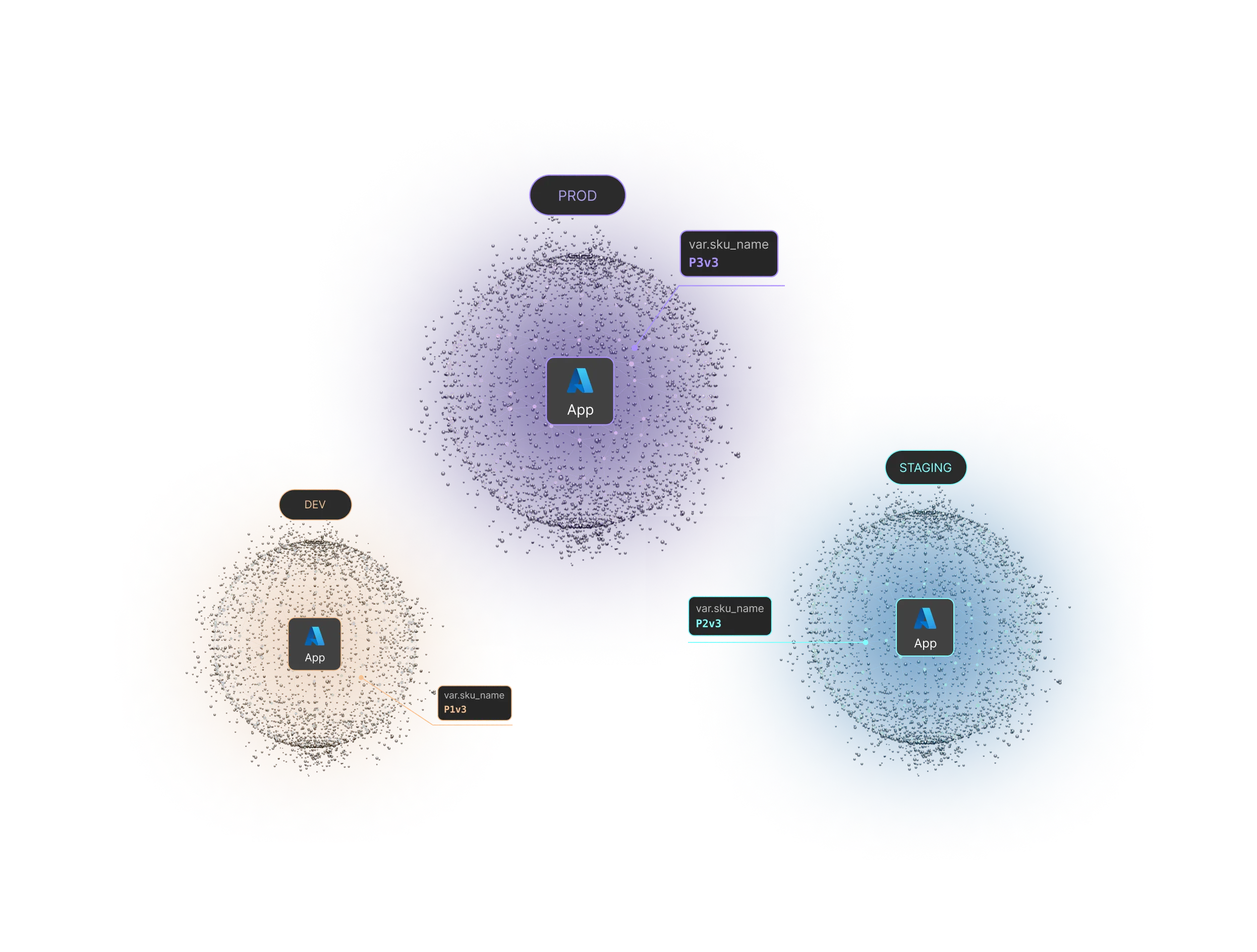
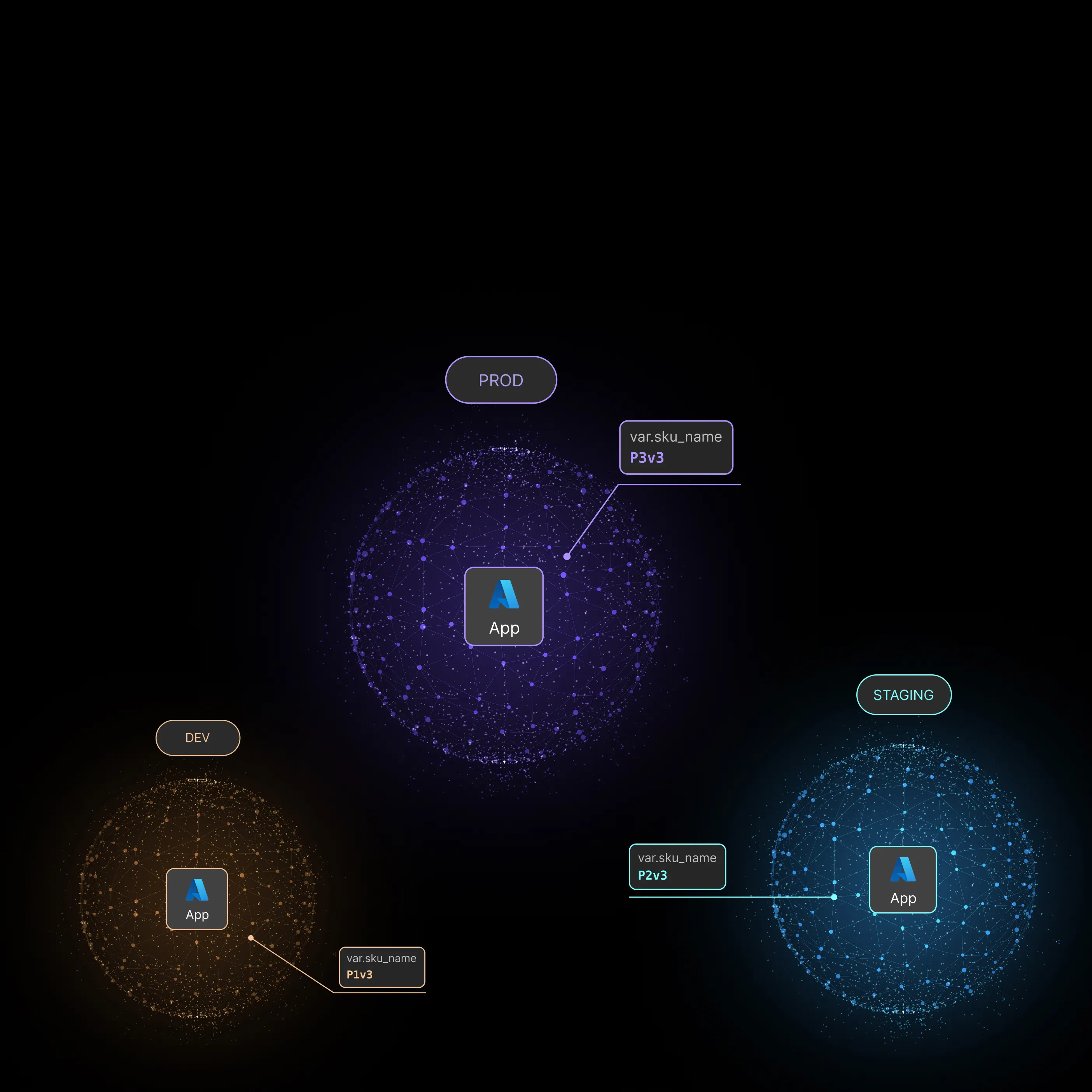
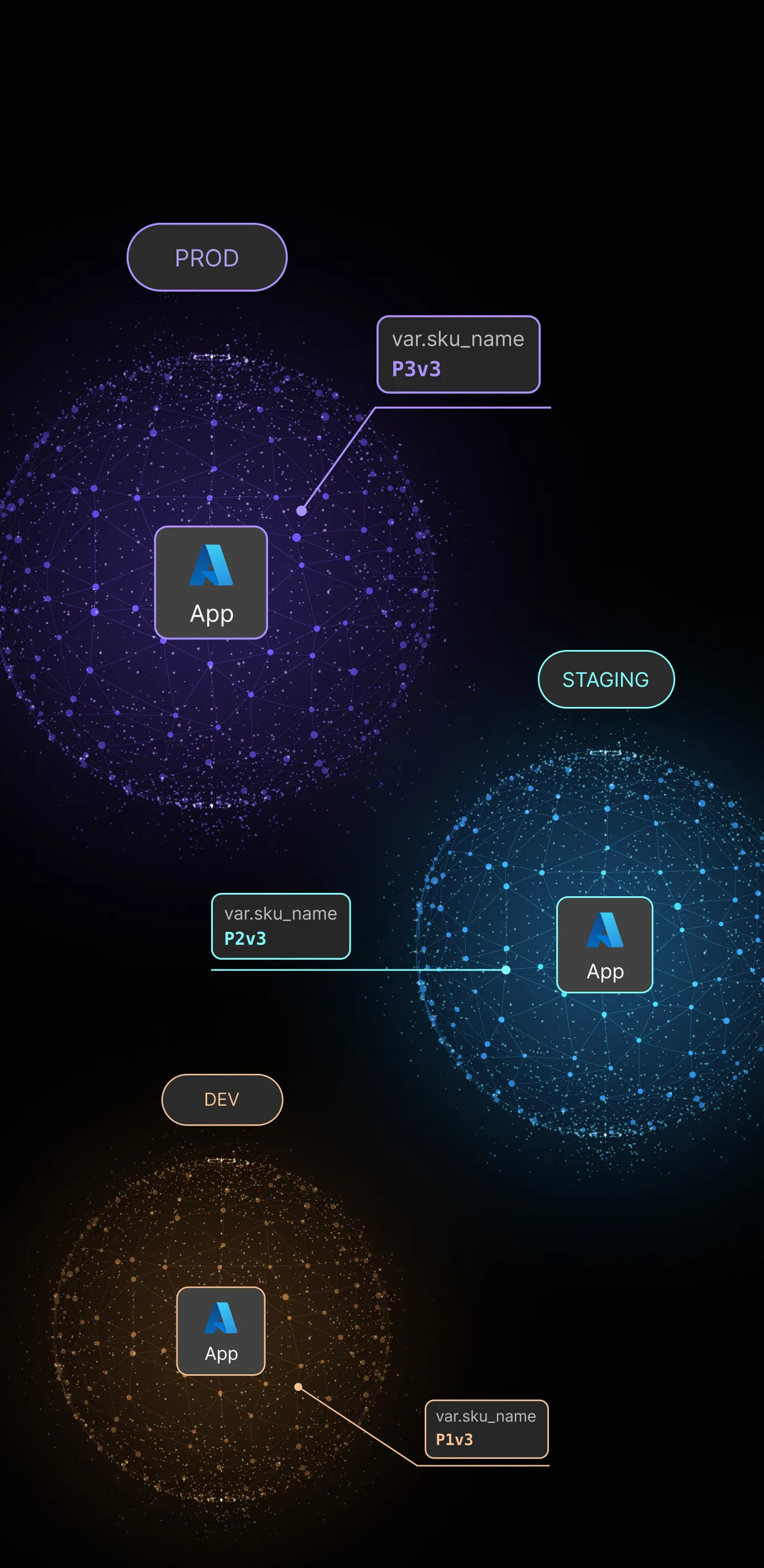
Three interconnected network spheres labeled DEV, PROD, and STAGING, each with an Azure App icon in the center and SKU names P1v3, P3v3, and P2v3 respectively.a screenshot of a modal with Terraform module configurations

Don’t repeat yourself

Every change made to one architecture is  propagated to all replicas

Independent deployment lifecycle

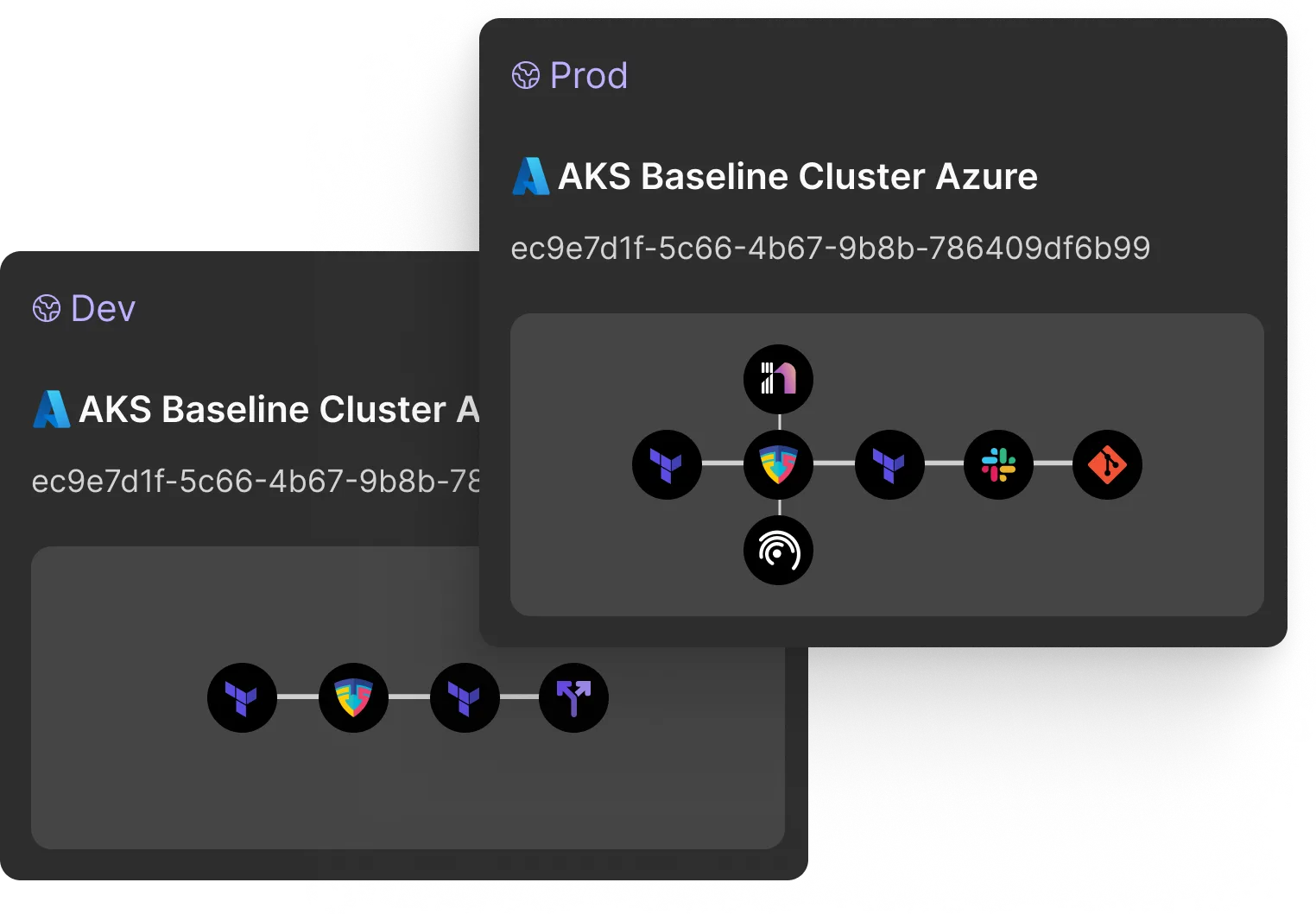
cloud infrastructure designerTwo dark-themed cards labeled Dev and Prod showing AKS Baseline Cluster Azure with unique IDs and connected service icons representing infrastructure and tools like Terraform, Flux, Slack, and Git.
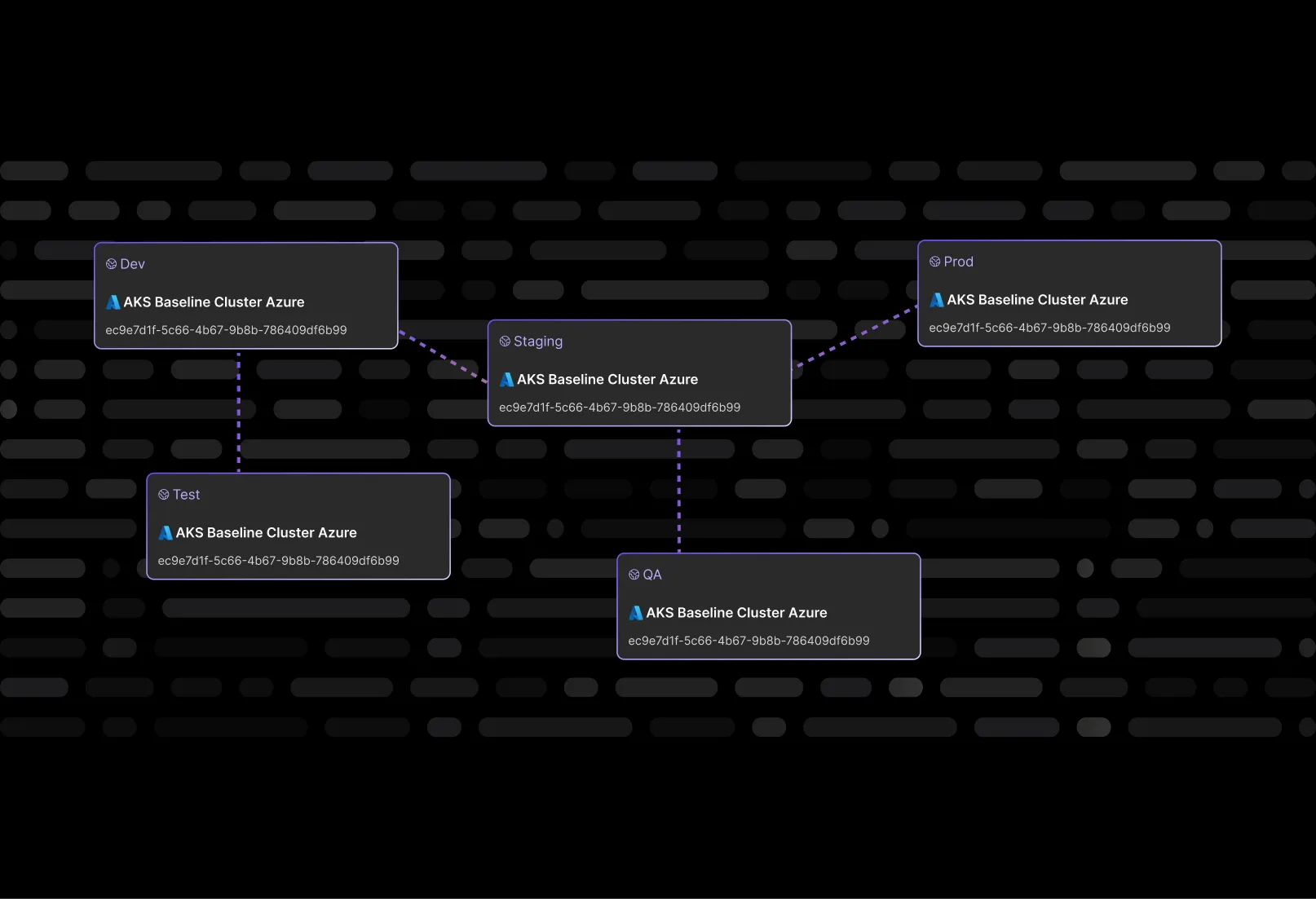
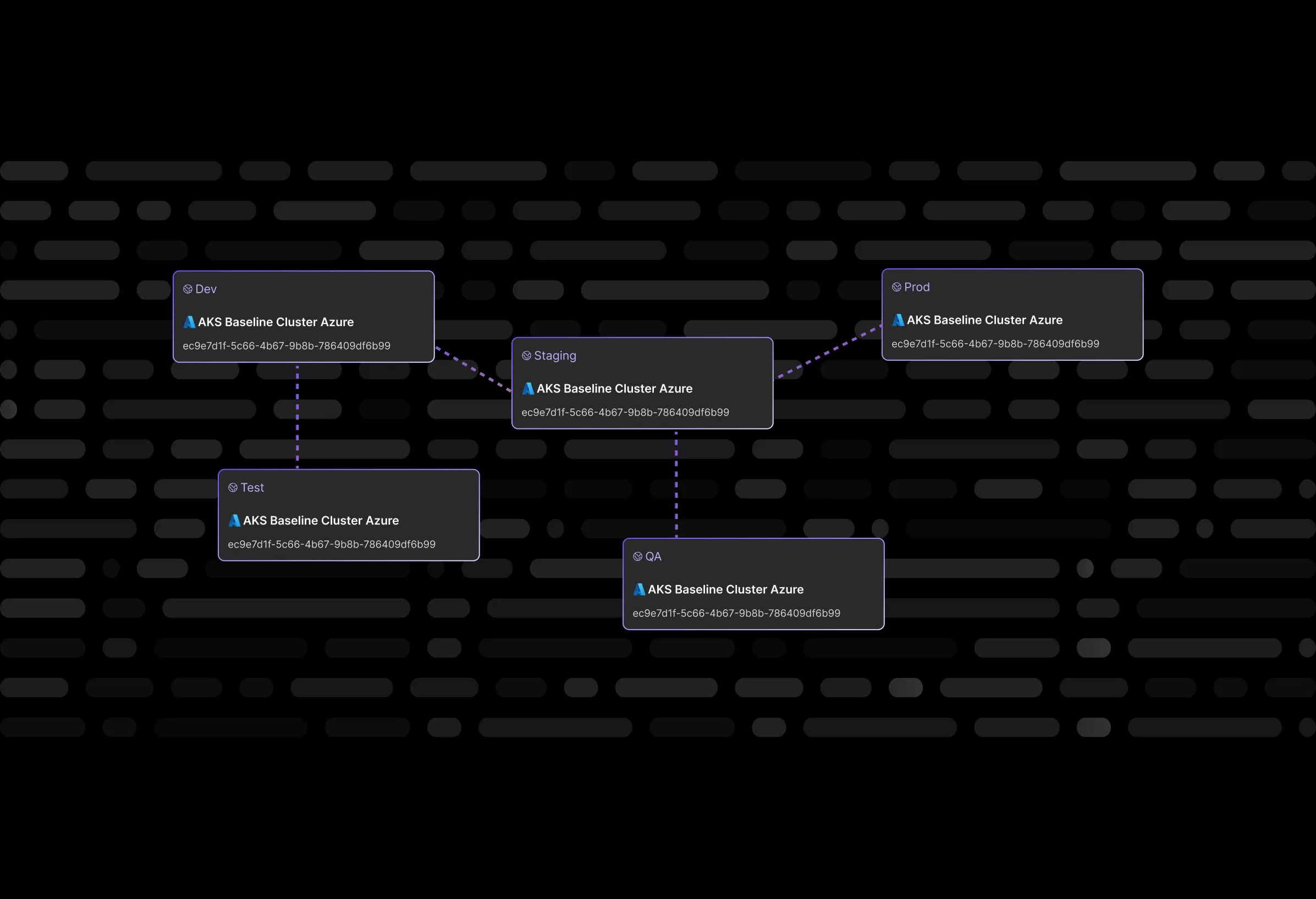
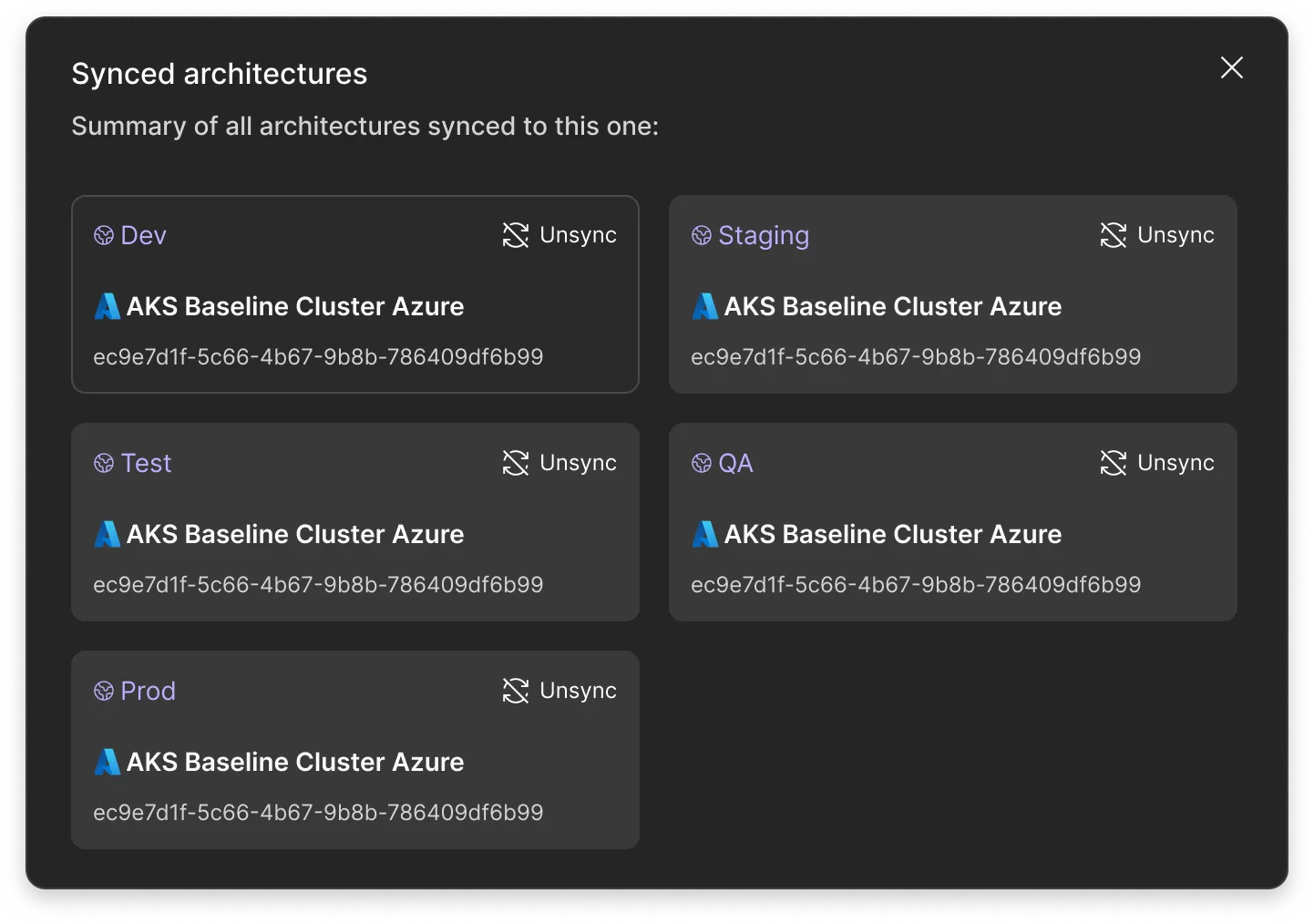
Interface showing synced architectures summary with Dev, Staging, Test, QA, and Prod environments all linked to AKS Baseline Cluster Azure.

Build it only once

Design the architecture once, and it's ready for all environments. One click in the Brainboard interface, and the production-ready architecture becomes the basis for dev, QA, staging, and prod simultaneously. No manual manipulation of tfvars files, no copying of configurations, no risk of missing something during transfer.Syncing development environments is no longer a routine task - it just happens automatically. The result is obvious: fewer deployment errors, faster onboarding of new engineers, and consistent guardrails in all environments from day one.

User interface showing synced architectures with entries for Dev, Staging, Test, QA, and Prod, all linked to AKS Baseline Cluster Azure with unique IDs and an option to unsync.

Independent deployment lifecycle

Synchronized design does not mean linked deployments. This is an important distinction. In Brainboard, independent deployment works exactly like this: the architectures are identical in structure, but each deployment is completely independent.Want to roll back staging without affecting prod? Please do. Want to test a risky change only in QA? No problem. You can move forward and backward in any environment independently of the others. Identical blueprints - and yet complete control over each environment separately. Security without losing flexibility.

terraform as diagram

Don’t repeat yourself

Every approved change in the source architecture is automatically propagated to all synchronized architectures in real time - without a single manual task. Added a new resource to dev? It will appear in staging, QA, and prod instantly. Changed the security policy? All environments are updated synchronously.Drift between environments disappears completely - not because it is monitored, but because it simply does not have time to occur. Complete visibility of changes, no rework, no "it worked locally for me." This is exactly how syncing development environments should work in a modern team.

Visual diagram showing three interconnected spheres labeled DEV, PROD, and STAGING, each containing an Azure App icon with SKU names P1v3, P3v3, and P2v3 respectively.

Isolated environments

Synchronizing architectures does not mean that environments are mixed. Each of the isolated environments is completely isolated from the others in four key ways:
- First, unique variable values: instance sizes differ between dev and prod, and that's okay.
- Second, a separate Terraform tfstate file for each environment.
- Third, an independent Git configuration with separate branches and folders.
- Fourth, separate cloud provider credentials and execution runners.
Isolated development environments get clear security boundaries while fully complying with common standards. One architecture - four isolated worlds.
Build your architecture once, replicate it everywhere, deploy independently. Synchronized environments take minutes to set up, not days of work. Start for free or book a demo with Brainboard.

Diagram showing three interconnected spheres labeled DEV, PROD, and STAGING, each containing an Azure App icon and corresponding var.sku_name values P1v3, P3v3, and P2v3.Comparison of Dev and Prod AKS Baseline Cluster Azure workflows showing sequence of icons for tools including Terraform, Flux, and integrations with Slack and Git.
UI showing synced architectures with environments Dev, Staging, Test, QA, and Prod each linked to AKS Baseline Cluster Azure with option to unsync.

Your questions, answered.

Didn’t find the answer to your question?

How does Brainboard ensure architecture changes are automatically propagated across environments?

Plus Circle - Icon

What does it mean to keep environments DRY (Don't Repeat Yourself) in Brainboard?

Plus Circle - Icon

Can I customize which environments are synced when changes are made to the architecture?

Plus Circle - Icon

How does Brainboard handle environment-specific variables and secrets while syncing architectures?

Plus Circle - Icon

Does Brainboard support syncing architecture across multiple cloud providers or just one?

Plus Circle - Icon

Didn’t find the answer to your question?

It’s up to you now to build great things.